


 Acer11
 ASUS2
 MSI3


HP EliteBook 840 G3 vs G5 vs G6 vs G7 vs G8: Which Used Generation to Buy in Bangladesh (2026)

The HP EliteBook 840 is the most common 14-inch business laptop in the Bangladesh used market, and it is one of the models we sell most at Digital Computer Shop. The problem for buyers is that the name hardly changes. A 2016 EliteBook 840 G3 and a 2021 EliteBook 840 G8 carry the same badge, yet the G8 has twice the processor cores, much faster graphics and Thunderbolt 4.
This guide walks through each generation we stock — G3, G5, G6, G7 and G8 — explains what really changed, and tells you which one gives the best value at each budget. HP skipped the G4 name on the 840, which is why the list jumps from G3 to G5. Every price below is live from our stock, and every unit is tested and covered by our service warranty.
The short answer
- Tightest budget: the 840 G3 handles Office, browsing, email and online classes. Its dual-core 6th Gen chip is the limit — do not expect heavy multitasking.
- Best value: the 840 G5 or G6 with an 8th Gen Core i5. Four cores, USB-C charging and a slim, modern body for little more money than a G3.
- Balanced choice: the 840 G7 with 10th Gen Intel — a smaller, more refined chassis and a newer platform that will stay current longer.
- Best 840 under 50,000 BDT: the 840 G8 with 11th Gen Intel and Iris Xe graphics. Noticeably faster in daily use, and the only one here with Thunderbolt 4.
Generation by generation at a glance
| Generation | Year | Processor | Cores | Key change |
|---|---|---|---|---|
| 840 G3 | 2016 | Intel Core 6th Gen | 2 | DDR4 memory, M.2 SSD, Full HD option |
| 840 G5 | 2018 | Intel Core 7th or 8th Gen | 2 (7th) / 4 (8th) | New slim design, narrow bezels, USB-C with Thunderbolt 3 |
| 840 G6 | 2019 | Intel Core 8th Gen | 4 | Same body as G5, refreshed processors |
| 840 G7 | 2020 | Intel Core 10th Gen | 4 | Smaller chassis, newer platform |
| 840 G8 | 2021 | Intel Core 11th Gen | 4 | Iris Xe graphics, Thunderbolt 4 |
The two big jumps are G3 to G5, when the 840 went from two cores to four and gained a modern slim design, and G7 to G8, when Intel’s Iris Xe graphics roughly doubled the built-in graphics performance. The steps in between — G5 to G6 and G6 to G7 — are smaller refinements.
HP EliteBook 840 G3 — the budget workhorse
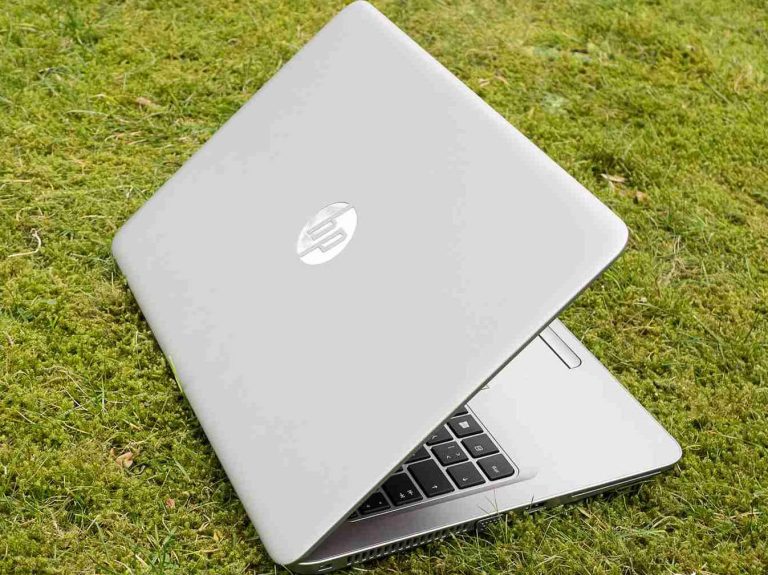
The G3 was HP’s first 840 with DDR4 memory and an M.2 SSD slot, and it is built to the same business standard as the later models: a metal lid, a spill-resistant keyboard and a sturdy hinge. Its 6th Gen Core i5 and i7 are dual-core chips, so it is comfortable with Word, Excel, Google Meet, Zoom and a modest number of browser tabs, but it slows down when you push many heavy apps at once.
Buy the G3 if your budget is fixed and the work is light. If you can stretch a few thousand taka, the 840 G5 with an 8th Gen chip is a much bigger step than the price difference suggests. For an even cheaper entry point we also stock the 840 G2 with a 5th Gen Core i5 and an HD screen.
HP EliteBook 840 G2 Core i5 5th Gen 8GB RAM 256GB SSD 14″ HD Laptop
Core i5 5th Gen, HD screen — the lowest-cost EliteBook 840.
HP EliteBook 840 G3 Core i5 6th Gen 8GB RAM 256GB SSD 14″ FHD Display Laptop
Core i5 6th Gen with a Full HD screen.
HP EliteBook 840 G3 Core i7 6th Gen 8GB RAM 256GB SSD 14″ FHD Display Laptop
Core i7 6th Gen for slightly more headroom.
HP EliteBook 840 G5 — the value sweet spot
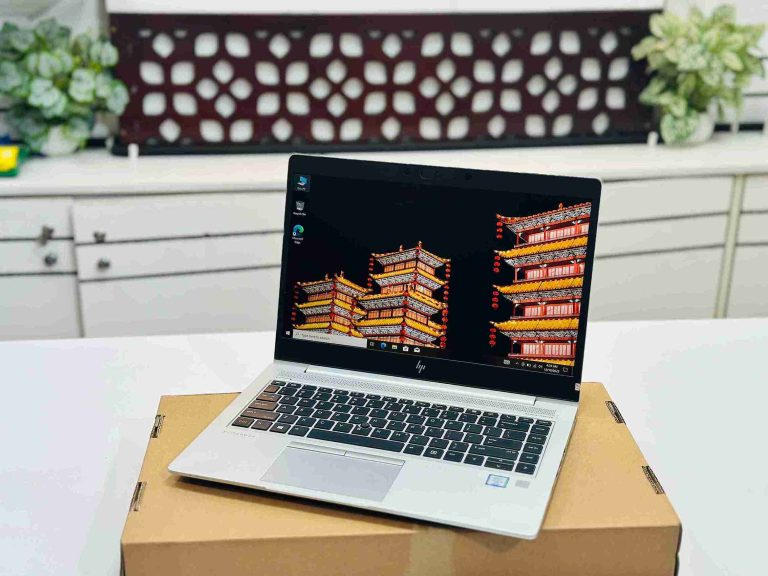
The G5 is where the 840 became a modern laptop. HP slimmed the body, narrowed the screen bezels and added a USB-C port with Thunderbolt 3 that charges the laptop and drives an external display. Most units carry an 8th Gen Core i5 or i7, which doubled the core count from two to four. In practice that means smoother multitasking, faster file compression and noticeably quicker Excel work with large sheets.
Check the processor before you buy: some 840 G5 units were built with 7th Gen chips, which are still dual-core. They are cheaper and perfectly usable for office work, but the 8th Gen model is the one most buyers should choose. For a detailed look at the top configuration, read our HP EliteBook 840 G5 i7 8th Gen review.
HP EliteBook 840 G5 Core i5 8th Gen Price in Bangladesh
Core i5 8th Gen, quad-core — our pick for value.
HP EliteBook 840 G5 i7 8th Gen Price in Bangladesh
Core i7 8th Gen for heavier multitasking.
HP EliteBook 840 G6 — the refined G5
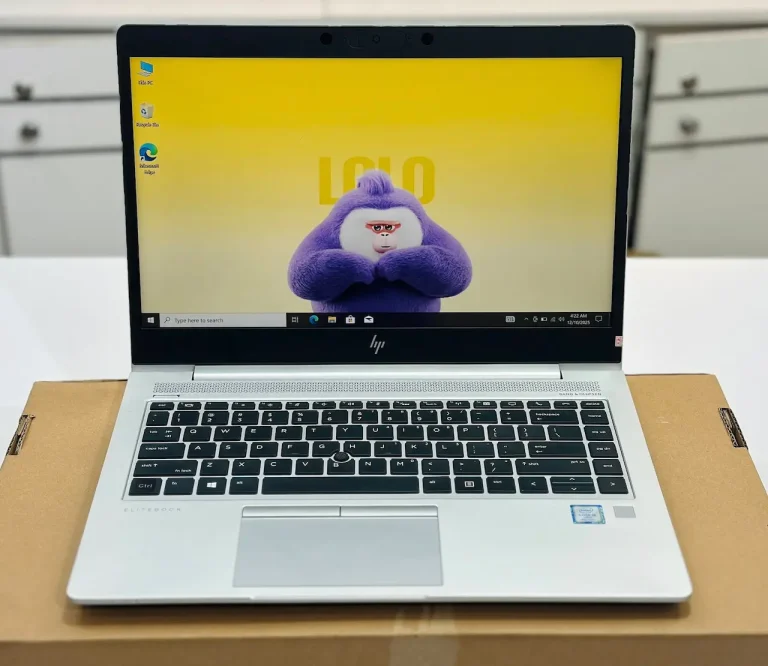
The G6 uses the same chassis, keyboard and port layout as the G5, so in the hand you cannot tell them apart. Inside, HP moved to Intel’s refreshed 8th Gen processors, which hold their boost speed a little better under sustained load. The difference in daily use is small.
Treat the G5 8th Gen and the G6 as near-equals and choose on price and condition. If two units are close in price, take the one with the healthier battery and the better screen rather than the newer generation number.
HP EliteBook 840 G6 Core i5 8th Gen Laptop in Bangladesh
Core i5 8th Gen in the slim G5/G6 body.
HP EliteBook 840 G6 Core i7 8th Gen 14″ Full HD (1920 × 1080) Display Laptop
Core i7 8th Gen with a Full HD screen.
HP EliteBook 840 G7 — a smaller, newer platform
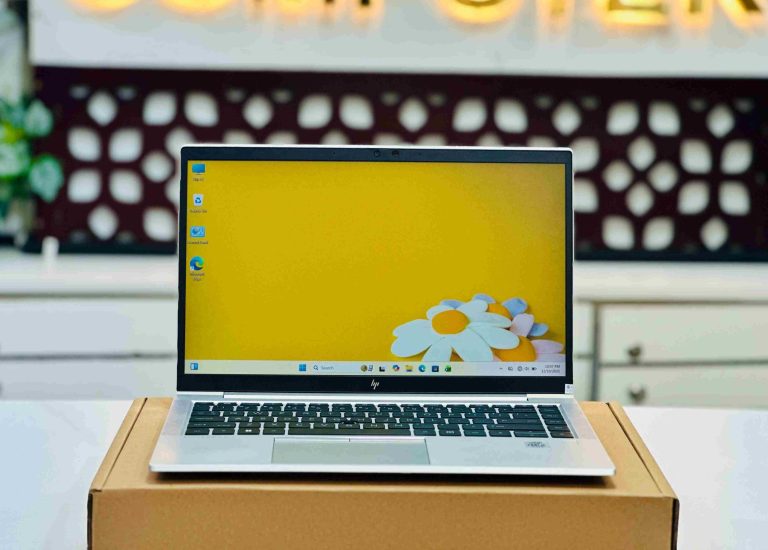
For the G7, HP redesigned the 840 again. The body is more compact, the bezels are thinner still and the overall finish feels a step closer to the premium EliteBook 1000 series. The 10th Gen Core i5 and i7 processors remain quad-core, so raw speed is only modestly ahead of the G6, but the platform is newer and the laptop feels more modern on a desk.
The G7 suits buyers who want a newer, tidier laptop and expect to keep it for several years. Wi-Fi 6 was offered on some G7 configurations, so it varies by unit — ask us to check a specific laptop if it matters to you.
HP EliteBook 840 G7 Core i5 10th Gen Price in Bangladesh
Core i5 10th Gen in the compact G7 chassis.
HP EliteBook 840 G7 Intel Core i7-10610U 14.1″ FHD Display Laptop
Core i7-10610U for extra headroom.
HP EliteBook 840 G8 — the best 840 under 50,000 BDT
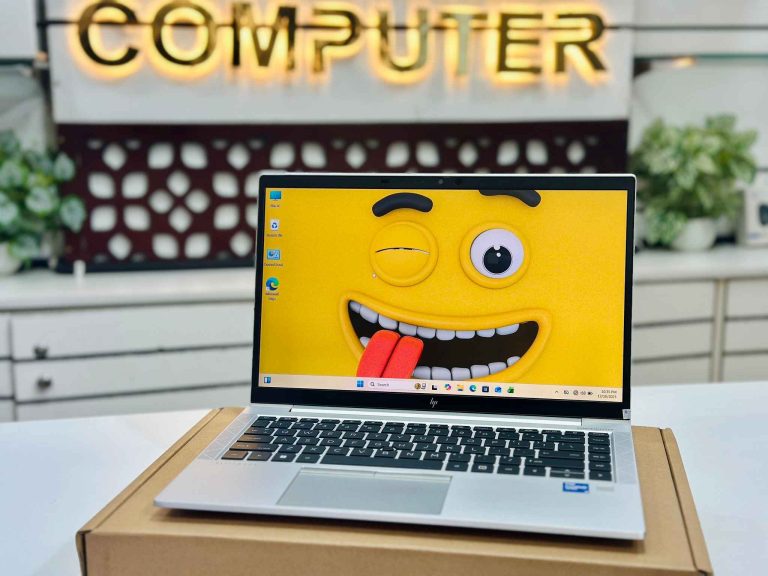
The G8 shares the G7’s body but moves to Intel’s 11th Gen processors, and that change matters more than the generation number suggests. The Iris Xe graphics built into the Core i5 and i7 are far stronger than the UHD graphics in earlier 840s, which helps with photo editing, smoother video playback on large screens and multiple external monitors. Single-core speed also takes a clear step up, so Windows, Office and the browser feel quicker.
The G8 is also the only 840 in this guide with Thunderbolt 4. One cable to a Thunderbolt dock can carry charging, two displays, network and USB, which makes it the best choice for an office desk setup. If your budget goes beyond the G8, our HP EliteBook price guide covers the G9, G10 and G11.
HP EliteBook 840 G8 Core i5 11th Gen 16/8GB RAM 256/512GB SSD 14.1″ FHD Display Business Laptop
Core i5 11th Gen with Iris Xe and Thunderbolt 4.
HP EliteBook 840 G8 Core i7 11th Gen 8/16GB RAM 256/512GB SSD Price in Bangladesh
Core i7 11th Gen — the fastest 840 under 50k.
What stays the same across every generation
Every EliteBook 840 from G3 to G8 is a 14-inch business laptop built to HP’s commercial standard. All have a backlit, spill-resistant keyboard on most configurations, a precise touchpad, two memory slots for easy RAM upgrades and an M.2 slot for the SSD. That upgradeability is a real advantage over thin consumer laptops with soldered memory: you can buy an 8GB unit today and add RAM later at our branches.
Screen quality varies more by unit than by generation. HD panels, Full HD IPS panels and HP’s Sure View privacy screen were all fitted at different times, so check the exact screen on the unit you are buying rather than assuming it from the model name.
Which generation for students, office work and freelancing?
Students: an 840 G5 or G6 with an 8th Gen Core i5 and 8GB RAM runs Office, Zoom, Google Classroom and research tabs smoothly and costs far less than a new laptop of the same quality.
Office and accounts work: the G6 or G7 gives four cores and a reliable keyboard for long typing days. If you use a dock with two monitors, step up to the G8 for Thunderbolt 4.
Freelancing, design and light video: choose the G8 with 16GB RAM. The Iris Xe graphics make Photoshop, Canva and 1080p video editing far more comfortable than on any earlier 840.
Programming: any quad-core 840 works for web development; pick the G8 i7 with 16GB RAM if you run virtual machines, Android Studio or Docker.
What to check before buying a used EliteBook 840
- Processor generation: confirm the exact chip in Windows Settings, especially on the G5, where 7th Gen and 8th Gen units look identical.
- Battery health: ask for the battery report and compare the current capacity in Wh with the design capacity. Above 80% is a healthy battery.
- Screen: check for dead pixels, bright spots and uneven backlight on a white page, and confirm whether it is HD or Full HD.
- Ports and charging: test USB-C charging on the G5 and newer, plus HDMI and both USB-A ports. On the G8, test Thunderbolt with a dock if you plan to use one.
- BIOS lock: corporate laptops can carry a BIOS password or management lock. Every EliteBook we sell is checked and unlocked.
- Warranty: buy with a written warranty from a shop you can walk back into — our Dhaka and Brahmanbaria branches service every laptop we sell.
For the full list, read 10 things to check before buying a used laptop. If you are also considering the AMD version, compare it in our HP EliteBook 845 vs 840 guide.
Our recommendation by budget
- Under 25,000 BDT: EliteBook 840 G3 (or the G2 if every taka counts) for light office and study work.
- 25,000–35,000 BDT: EliteBook 840 G5 or G6 with an 8th Gen Core i5 — the best value 840 for most buyers.
- 35,000–42,000 BDT: EliteBook 840 G7 for a newer, more compact laptop.
- 42,000–50,000 BDT: EliteBook 840 G8 Core i5 or i7 for Iris Xe graphics and Thunderbolt 4.
Prices move with stock and condition, so use the live prices on each card above as your guide.
Frequently asked questions
Which HP EliteBook 840 generation is best value?
For most buyers, the 840 G5 or G6 with an 8th Gen Core i5. It has four processor cores and USB-C charging at a price only a little above the dual-core G3.
Is the EliteBook 840 G8 much faster than the G7?
Yes, in daily use. The G8’s 11th Gen processor has clearly faster single-core speed, and its Iris Xe graphics are far stronger than the G7’s UHD graphics. It also adds Thunderbolt 4.
Why is there no HP EliteBook 840 G4?
HP did not release a model called the EliteBook 840 G4. The line went from the 840 G3 (2016) to the 840 G5 (2018).
Can I upgrade the RAM on a used EliteBook 840?
Yes. Every 840 from G3 to G8 has two memory slots and an M.2 SSD slot, so RAM and storage can be upgraded at our Dhaka and Brahmanbaria branches.
Is the EliteBook 840 G3 still good in 2026?
For light work — Office, browsing, email and online classes — yes. Its dual-core processor struggles with heavy multitasking, so choose a G5 or newer if your budget allows.
Ready to buy? See best used laptops under 30,000 BDT · under 50,000 BDT · used laptop buying guide · full used laptop collection, or message us on WhatsApp for a recommendation for your exact budget.
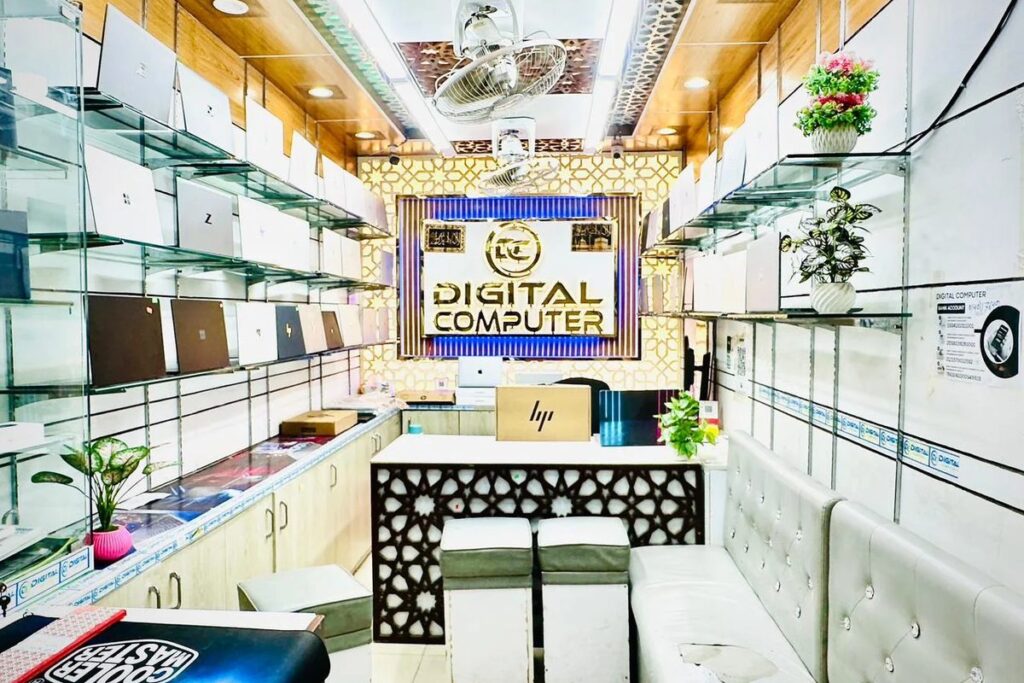
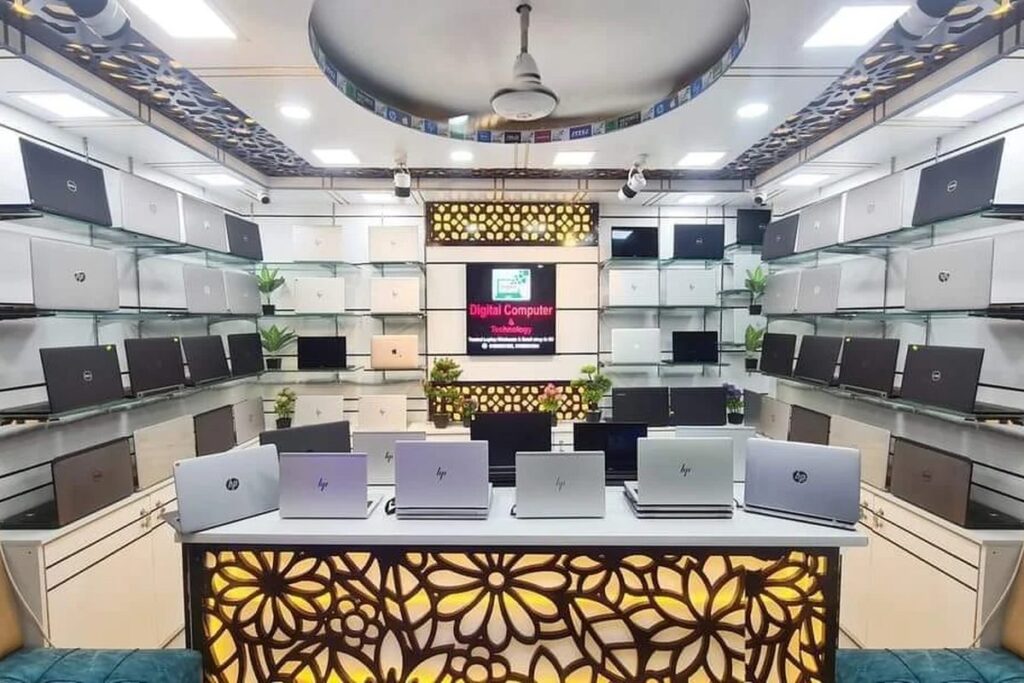

 Digital Computer Shop