


 Acer10
 ASUS2
ASUS2 MSI1
MSI1


Used MacBook Price in Bangladesh (2026): MacBook Air M1 vs M2 vs Intel MacBooks

A used MacBook is one of the best-value laptops you can buy in Bangladesh — but only if you pick the right generation. The difference between an Intel MacBook and an Apple-silicon MacBook (M1, M2 and later) is far bigger than the price gap suggests: speed, heat, fan noise and how many more years of macOS updates you will get all change.
This guide compares the MacBooks we stock at Digital Computer Shop — the MacBook Air M1, the MacBook Air M2, the 2018–2019 Intel MacBook Air and the Intel MacBook Pro — and tells you which one fits which buyer. Every price on this page is pulled live from our stock, so what you see is what we sell today. All units are used, tested before sale and covered by our 15-day replacement.
The short answer
- Best value for most buyers: MacBook Air M1. Fast, silent (no fan), and it still runs the newest macOS.
- Best overall: MacBook Air M2. Bigger and brighter 13.6-inch screen, MagSafe charging, 1080p camera and a newer design.
- Lowest price: 2018–2019 Intel MacBook Air. Fine for browsing, documents and online classes, but it cannot run the latest macOS.
- For heavy creative work on a budget: MacBook Pro 16-inch (2019, Core i9). 8-core CPU, dedicated AMD graphics and a large 16-inch screen.
If you can stretch your budget, buy Apple silicon (M1 or newer). It is the single most important choice in this guide.
Why Apple silicon (M1, M2) matters more than anything else
In 2020 Apple moved the MacBook from Intel processors to its own chips, starting with the M1. The change was not a small upgrade. An M1 MacBook Air is several times faster than the Intel MacBook Air it replaced in everyday work, it has no fan at all, and it stays cool on the lap.
Software support is the other reason. Apple has announced that macOS Tahoe (macOS 26) is the last version for Intel Macs, and most Intel MacBooks were cut off earlier still. Every Apple-silicon MacBook, including the first M1 Air, runs the current macOS. When you buy used, you are not only buying today’s speed — you are buying the years of updates that remain.
| MacBook | Newest macOS it can run |
|---|---|
| MacBook Air M1 / M2 / M4 | Current macOS (Tahoe and later) |
| MacBook Pro 16-inch (2019) | macOS Tahoe 26 (last Intel release) |
| MacBook Air (2018, 2019) | macOS Sonoma 14 |
| MacBook Pro 13-inch (2017) | macOS Ventura 13 |
MacBook Air M1 — the best-value MacBook
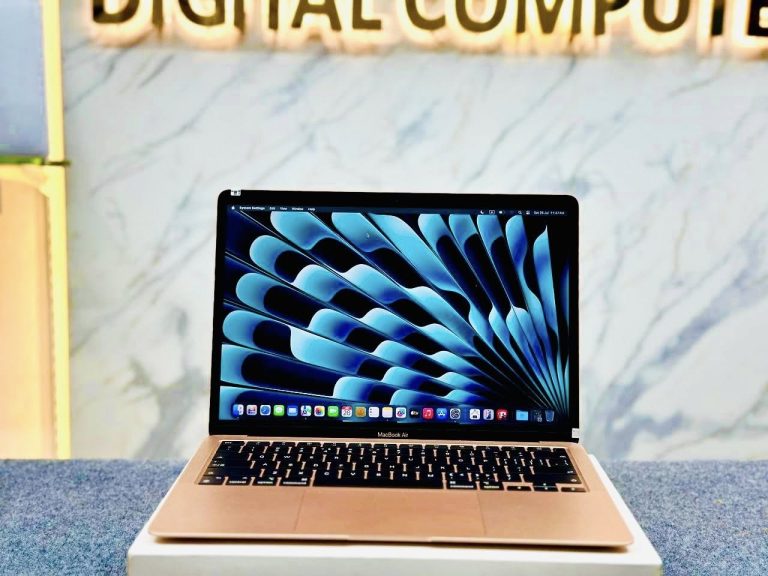
The MacBook Air M1 is the MacBook we recommend most. Its 8-core M1 chip handles Office, Google Workspace, Zoom, browsing with many tabs, Lightroom and 1080p video editing without effort, and the fanless design makes it completely silent.
- Display: 13.3-inch Retina, 2560 × 1600
- Chip: Apple M1, 8-core CPU
- Ports: 2× Thunderbolt / USB 4 (USB-C), headphone jack
- Security: Touch ID fingerprint sensor
- Weight: about 1.29 kg
Its limits: one external monitor only, a 720p camera, and the older wedge design. For students, freelancers and office users these rarely matter.
MacBook Air M1 Rose Gold 8GB 256GB Retina display Laptop BD
MacBook Air M1, 8GB RAM, 256GB SSD, Rose Gold — our best-value MacBook.
MacBook Air M2 — the modern design
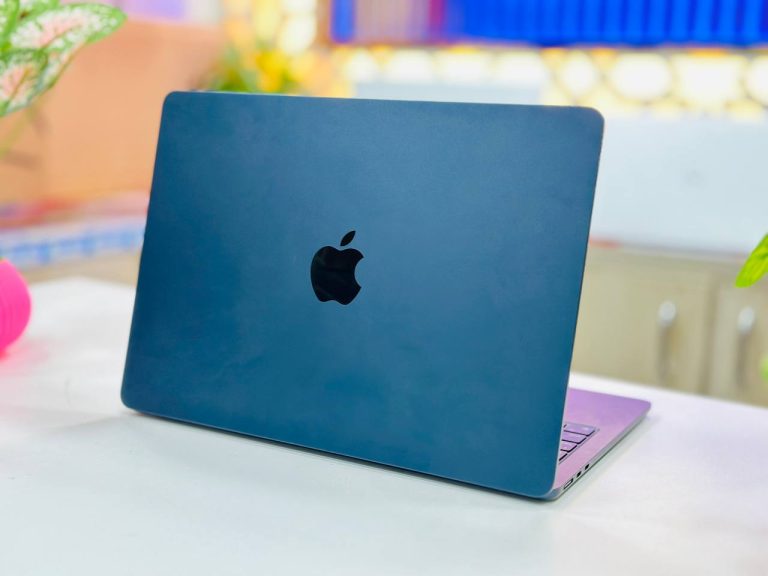
The MacBook Air M2 brought the first full redesign of the Air in years. The screen is larger and brighter, the body is flat and thin, and charging moved back to a magnetic MagSafe connector, which keeps both USB-C ports free.
- Display: 13.6-inch Liquid Retina, 2560 × 1664, 500 nits
- Chip: Apple M2, 8-core CPU, 8-core GPU
- Camera: 1080p FaceTime HD
- Ports: MagSafe 3, 2× Thunderbolt / USB 4, headphone jack
- Weight: about 1.24 kg
Day to day, the M2 feels noticeably quicker than the M1 in heavier work such as photo exports and video timelines, and its brighter screen is easier to use near a window. Choose it if you want the newer look, a better video-call camera, or plan to keep the laptop for many years.
Apple MacBook Air M2 13.6″ 8GB / 16GB RAM 256GB SSD 8-Core CPU 8-Core GPU Laptop
MacBook Air M2 13.6-inch, 8GB or 16GB RAM, 256GB SSD.
MacBook Air M1 vs M2: which should you buy?
| MacBook Air M1 | MacBook Air M2 | |
|---|---|---|
| Screen | 13.3-inch, 2560 × 1600 | 13.6-inch, 2560 × 1664, brighter |
| Charging | USB-C | MagSafe 3 + USB-C |
| Camera | 720p | 1080p |
| Design | Classic wedge | Flat, thinner |
| Cooling | Fanless, silent | Fanless, silent |
| Price from | ৳56,000 | ৳78,000 |
Our advice: if the price difference matters, the M1 gives you about 85% of the experience for noticeably less money. If you make many video calls, work outdoors or want the newest design, the M2 is worth the extra.
Intel MacBook Air (2018–2019) — the budget entry
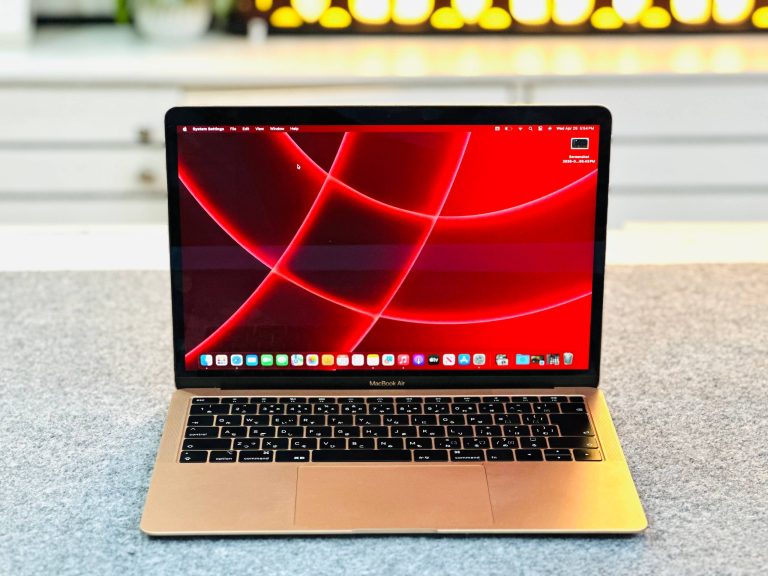
The 2018 and 2019 MacBook Air look like the M1 Air from the outside — same Retina screen, Touch ID and two USB-C ports — but inside is a dual-core Intel Core i5 with a fan. They are good for browsing, email, documents, YouTube and online classes, and they are the lowest-priced way into macOS.
Be realistic about two things. They slow down with heavy multitasking or video editing, and they cannot be updated past macOS Sonoma. For a student who mainly writes and browses, that is acceptable; for anyone planning to keep the laptop for many years, an M1 is the better investment.
Apple MacBook Air 2018 Core i5 8GB RAM 256GB SSD 13.3″ Retina Display Laptop
MacBook Air 2018, Core i5, 8GB RAM, 256GB SSD, Retina display.
Apple MacBook Air 2019 Core i5 13.3″ Retina Display (Rose gold) Laptop
MacBook Air 2019, Core i5, Retina display, Rose Gold.
Intel MacBook Pro — when it still makes sense
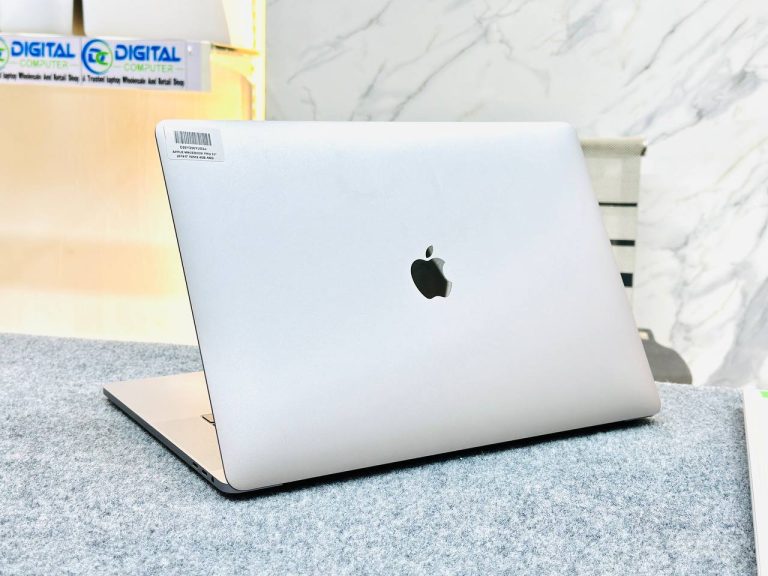
Two Intel MacBook Pros are worth considering. The 16-inch 2019 MacBook Pro has an 8-core Core i9, 32GB RAM, a 1TB SSD and a dedicated AMD Radeon Pro graphics card, on a large 16-inch Retina screen. For video editing, music production or anyone who wants a big Mac screen on a budget, it still delivers, and it runs macOS Tahoe 26.
The 13-inch 2017 MacBook Pro (A1708, no Touch Bar) is a compact, well-built machine with a bright Retina screen and 16GB RAM. It stops at macOS Ventura, so treat it as a solid everyday laptop rather than a long-term investment.
Apple MacBook Pro 2019 16″ Core i9 8-Core 32GB RAM 1TB SSD Retina Display Laptop
MacBook Pro 16-inch 2019, Core i9 8-core, 32GB RAM, 1TB SSD.
Apple MacBook Pro 13″ A1708 (2017) | Core i5 | 16GB RAM | 256GB SSD | 13.3″ Retina 2K Display Laptop
MacBook Pro 13-inch 2017 (A1708), Core i5, 16GB RAM, 256GB SSD.
Want it brand new? MacBook Air M4
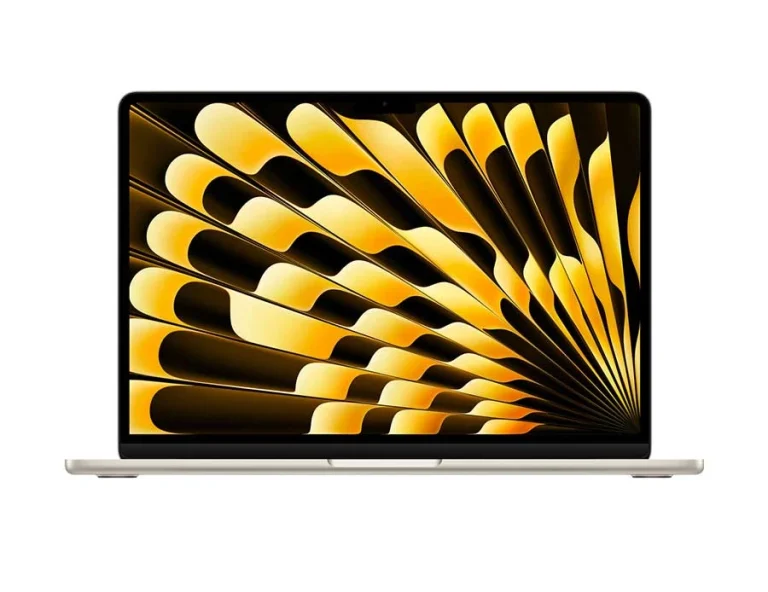
If you prefer a new machine with full manufacturer warranty, the MacBook Air M4 is the current model: a 10-core M4 chip, 16GB of unified memory as standard, a 12MP Center Stage camera and support for two external displays. It costs considerably more than a used M1 or M2, so compare carefully against your actual needs.
Apple MacBook Air M4 16GB RAM 512GB SSD 13.6″ Retina Display Laptop
Brand new MacBook Air M4, 16GB RAM, 512GB SSD — brand warranty as stated on the product page.
How to check a used MacBook before you buy
- Activation Lock: open System Settings and make sure no previous Apple ID is signed in. A MacBook with someone else’s iCloud lock cannot be used. Every MacBook we sell is checked for this.
- Battery health: go to System Settings → Battery → Battery Health and read the cycle count and condition. Battery health varies from unit to unit, so ask us for the exact figures of the unit you are buying.
- Screen: look for marks from the keyboard pressing on the display and for uneven backlight on a white background.
- Keyboard and trackpad: type on every key and test click and force touch across the trackpad.
- Ports and charging: charge from each port and connect a USB device.
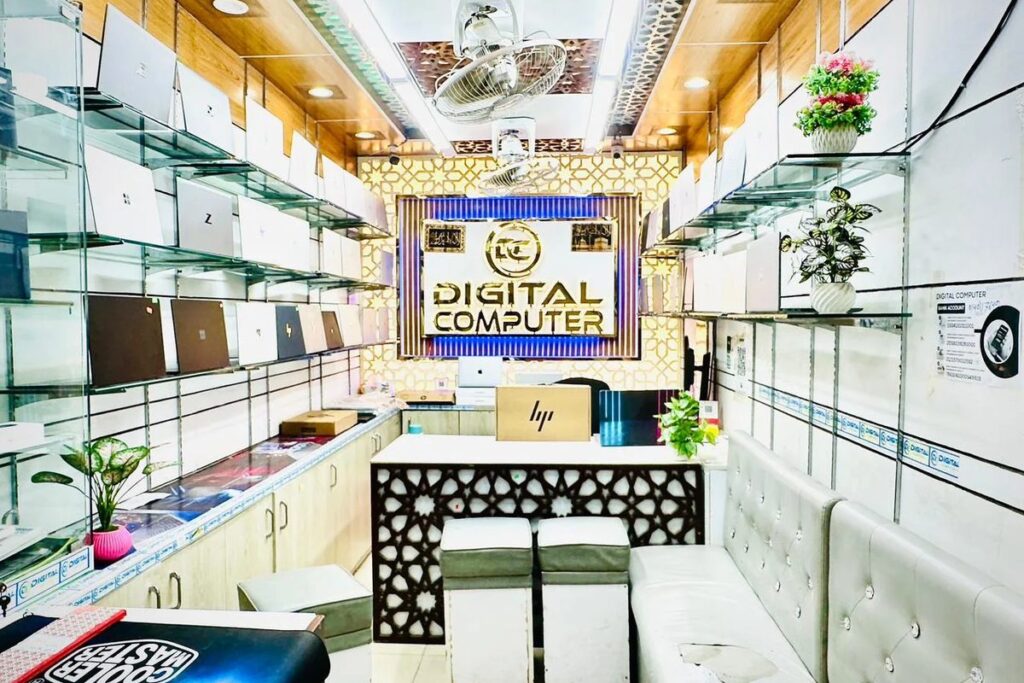
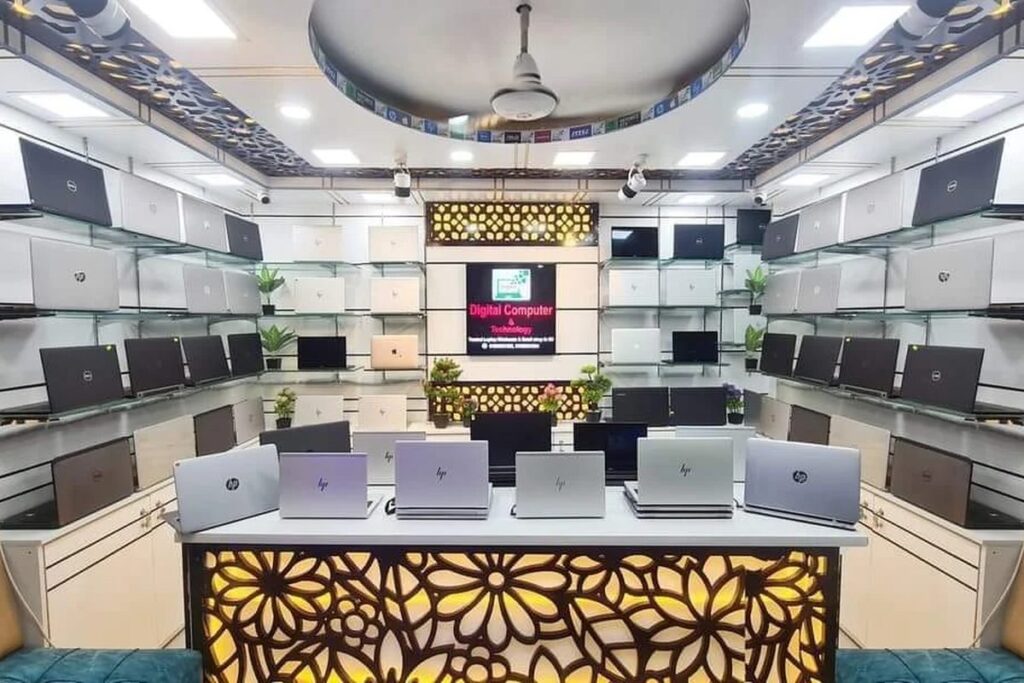
At Digital Computer Shop we can show you all of this on a WhatsApp video call before you pay anything, or you can check the laptop in person at our Dhaka or Brahmanbaria showroom.
Which MacBook should you buy?
- Student or office user: MacBook Air M1.
- Freelancer, frequent video calls, long-term use: MacBook Air M2.
- Tightest budget, light use: MacBook Air 2018 or 2019.
- Video and audio work on a budget: MacBook Pro 16-inch 2019.
Compare all our Apple laptops on the Apple MacBook price page, see every used laptop in stock, or read our used laptop buying guide.
Frequently asked questions
What is the used MacBook price in Bangladesh?
At Digital Computer Shop a used MacBook Air M1 starts from Contact us and a MacBook Air M2 from Contact us. Intel MacBook Airs cost less. Prices on this page are live from our stock.
Is a used MacBook Air M1 still worth buying in 2026?
Yes. The M1 is fast, silent and still runs the current macOS, which makes it the best-value MacBook for most buyers.
Should I buy an Intel MacBook or an M1 MacBook?
Buy M1 or newer if your budget allows. Apple-silicon MacBooks are much faster, run cooler and receive more years of macOS updates. Intel MacBook Airs stop at macOS Sonoma.
Do you check MacBooks for iCloud Activation Lock?
Yes. Every MacBook we sell is free of any previous Apple ID, and we can show you this on a video call before you pay.
Do used MacBooks come with a warranty?
Our used MacBooks come with a 15-day replacement. Brand-new MacBooks carry the brand warranty stated on the product page.
Ready to buy? See best used laptops under 30,000 BDT · under 50,000 BDT · used laptop buying guide · used laptop prices in Bangladesh, or message us on WhatsApp for a recommendation for your exact budget.

 Digital Computer Shop